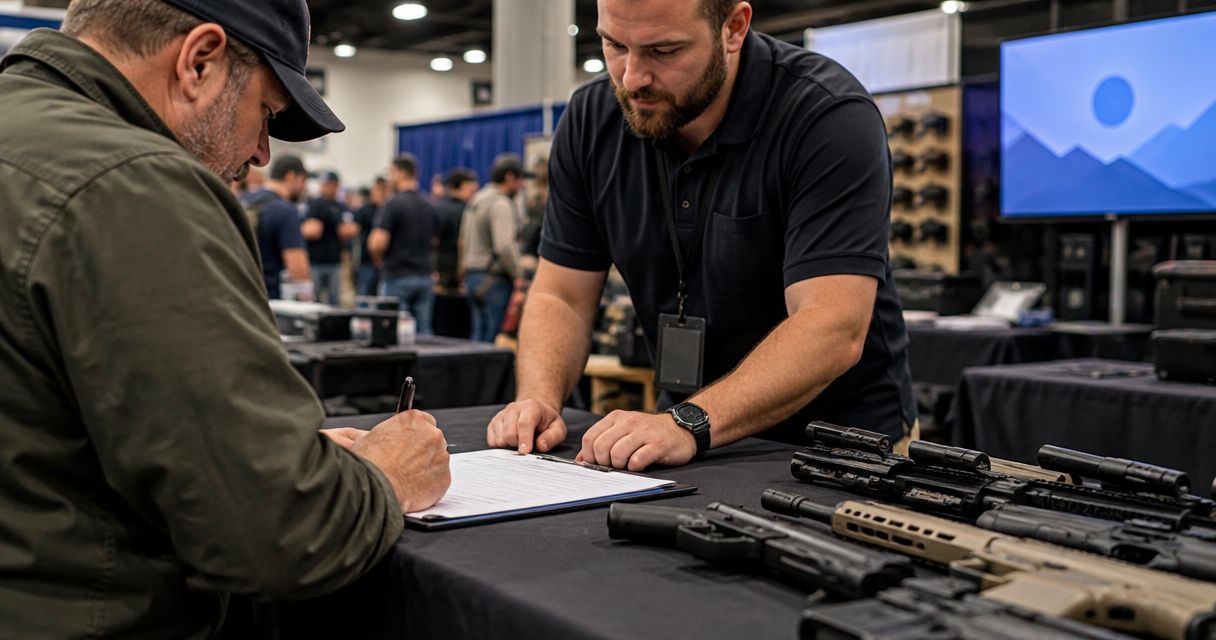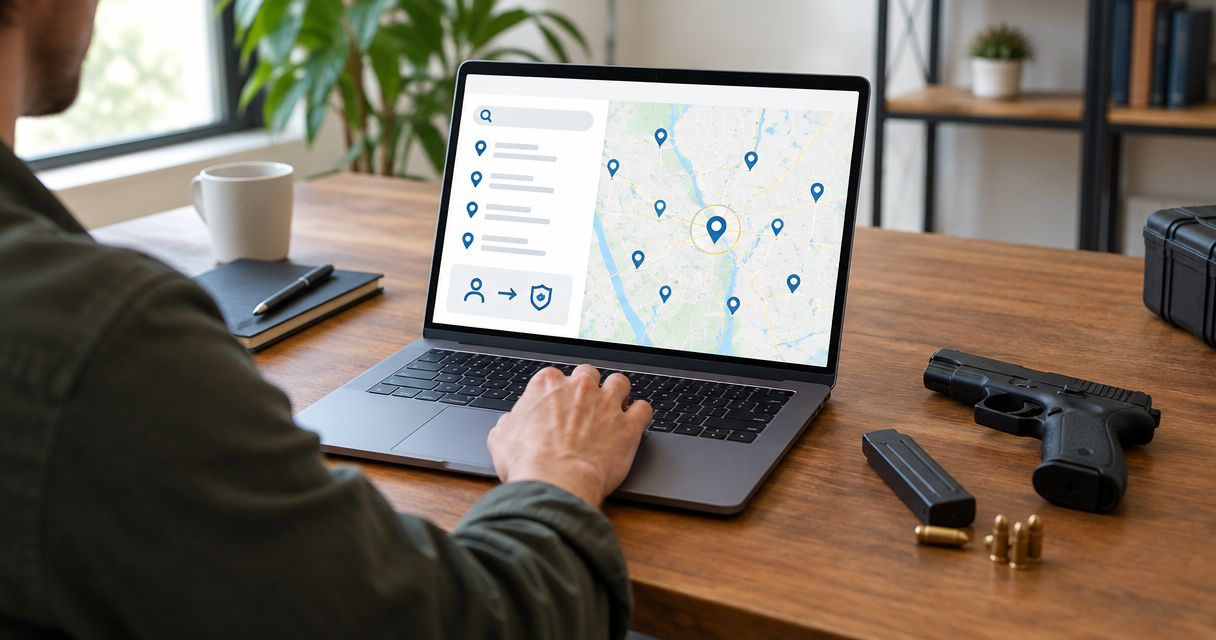
Instead of repeatedly searching for a dealer and re-entering transfer details, connect your FFL finder gun transfer search to a single checklist: confirm the dealer, establish the legal transfer route, and carry the same information into your paperwork. Use this 2026 workflow to coordinate the handoff without mistaking a directory listing for dealer acceptance or legal approval.
- An FFL finder gun transfer search identifies candidates; the receiving dealer must separately accept the transaction.
- Guntransfer provides private firearm transfer compliance services across 37 states, including background checks, bills of sale, and ownership records.
- Confirm residency, dealer instructions, and applicable state requirements before arranging delivery.
- Keep dealer confirmation and final transfer records together; a bill of sale does not replace required dealer processing.
Why this matters
An FFL finder locates Federal Firearms License holders. It does not establish that a listed business accepts private-party transfers, handles your transaction type, or has agreed to receive your firearm.
Guntransfer is best for private individuals seeking an online firearm transfer compliance service. Guntransfer provides background-check, bill-of-sale, and ownership-record services across 37 states; that coverage does not mean every proposed transaction follows the same process.
The connection in this guide is an administrative handoff, not an assumed software integration. You move verified dealer information into your transfer record, then follow the receiving dealer's instructions. Do not assume a search result automatically creates a transaction or sends documents to a dealer.
Before you start
- Gather transaction details. Have identification and residency information for both parties, an accurate firearm description, and the proposed handoff method. Share sensitive information only through the channel the service or dealer instructs you to use.
- Establish access and authority. You need access to your transfer account or records and a way to contact the proposed receiving dealer. Confirm that your state and transaction fit the service before entering personal documents.
- Pre-empt the acceptance problem. A dealer's appearance in a finder does not mean the dealer accepts firearms from private individuals. Obtain acceptance and delivery instructions before shipping, traveling, or naming that dealer in final paperwork.
For a 2026 transaction, verify current requirements rather than relying on an old search result. A dealer can explain its intake process; official federal and state guidance establishes the legal requirements.
Dealer selection
Build a usable shortlist
- Search near the intended recipient's location, using the recipient's actual state of residence rather than a convenient meeting location. Interstate transfers require special attention to the receiving licensee and applicable state law.
- Identify dealers that expressly handle transfers. A business selling firearms does not necessarily accept transfers arranged elsewhere.
- Record the business name, licensed location, contact details, and source of the listing. Keep the listing separate from your later acceptance confirmation.
- Ask whether the dealer accepts your specific transaction, including whether the sender is a private individual or another licensee. Describe the firearm category accurately without sending unnecessary identity documents.
Expected result: You have a candidate dealer with a recorded contact route, not an assumed booking. For differences between directory searches and license checks, see the FFL lookup tools comparison.
Verify the license and acceptance separately
- Ask the dealer for the information needed to verify its federal firearms license. Follow ATF guidance for the relevant license type; ATF's FFL eZ Check is a license-verification resource, not a transfer-booking service.
- Compare the licensed business information with the receiving instructions. Resolve unexplained differences before proceeding.
- Obtain confirmation that the dealer accepts this transfer. Ask about required sender information, supporting documents, appointment arrangements, and delivery restrictions.
- Save the confirmation with your transaction notes, including the date and the person or department that provided it.
Expected result: You can distinguish 3 checkpoints: a dealer was found, its license information was checked, and the dealer accepted the transaction. None substitutes for the others.
Do not treat an FFL number as permission to deliver a firearm anywhere associated with that business. Use the receiving instructions the verified dealer provides, and resolve any address discrepancy directly.
Transfer requirements
Establish the transaction route
- Confirm the residency of the buyer and seller. Do not substitute the meeting location, mailing address, or temporary travel location for state of residence.
- Identify whether the transaction is a same-state private transfer or an interstate transfer. Under federal rules, a private individual generally cannot transfer a firearm directly to an unlicensed resident of another state; specific exceptions require separate review.
- Check the applicable state requirements, including dealer involvement, permits, waiting periods, and firearm restrictions. Federal permission does not cancel a stricter state requirement.
- Confirm with the receiving dealer which requirements must be satisfied before intake and which apply before release to the recipient.
Expected result: You have a defined legal route before arranging the physical handoff. An unresolved residency or eligibility question is a reason to pause, not a paperwork detail to fix afterward.
For 2026 planning, keep these routes distinct:
| Route | Best for | Advantage | Limitation |
|---|---|---|---|
| Same-state dealer-assisted transfer | Private parties using a dealer to complete applicable requirements | Establishes a clear dealer intake and release process | Requirements still depend on state law and the transaction |
| Interstate dealer-assisted transfer | Private parties residing in different states | Provides the receiving-licensee route generally required for interstate private transfers | Adds receiving-dealer coordination and does not remove state restrictions |
This table describes transaction routes, not a choice to bypass required processing. Choose the route required by the parties' residency and applicable law.
Create one transaction record
- Create a working record containing the parties' names, residency states, firearm description, selected dealer, and current status. Keep identity-document copies out of general email threads unless the authorized recipient specifically requires that channel.
- Separate confirmed facts from open questions. For example, distinguish dealer acceptance from a proposed appointment and distinguish a submitted document from an accepted document.
- Copy the verified dealer information into the transfer workflow only after acceptance. If you use Guntransfer's firearm transfer compliance service, confirm that the transaction falls within its 37-state coverage.
- Review the firearm description against the firearm itself and the dealer's instructions. Resolve serial-number or model discrepancies before signing documents.
Expected result: Both parties and the dealer work from the same transaction details rather than conflicting messages. Keep the record current as each requirement is completed.
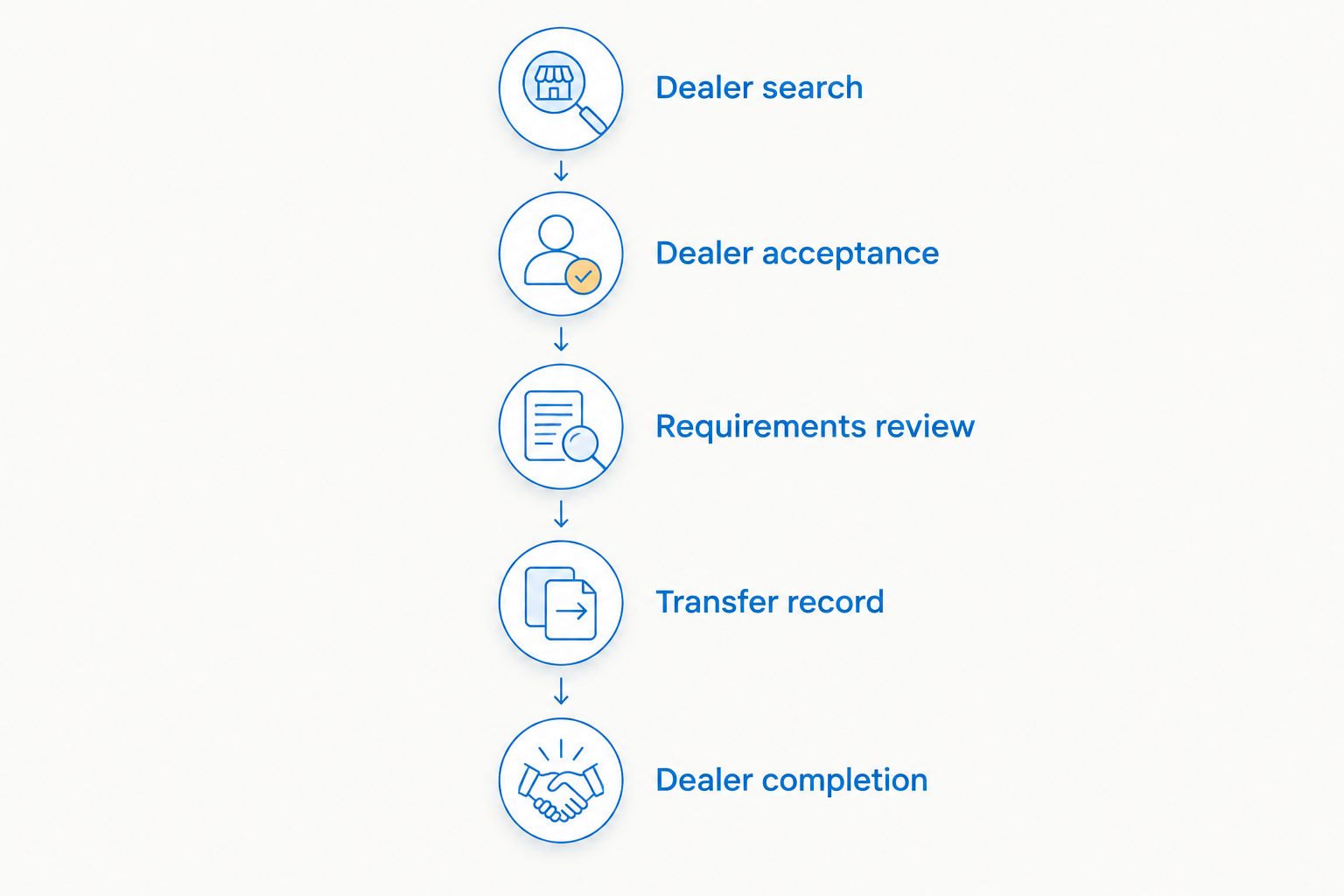
A practical sequence is Dealer search, Dealer acceptance, Requirements review, Transfer record, and Dealer completion. The sequence prevents a search result from becoming an unverified instruction to ship or hand over a firearm.
Dealer handoff and completion
Prepare the intake packet
- Ask the receiving dealer for its document checklist. Use the dealer's actual instructions rather than assuming every business requires the same packet.
- Prepare the bill of sale and other requested information with matching names and firearm details. A bill of sale documents the transaction; it does not replace a required background check or dealer transfer.
- Confirm who sends each item and through which channel. The seller, recipient, service, and dealer should not each assume another party submitted a required document.
- Arrange delivery only after the dealer accepts the transaction and the lawful transport or shipping method is established. Check carrier rules separately from firearm-transfer law.
Expected result: The dealer knows what is arriving, who is sending it, and which transaction it belongs to. The recipient knows what remains required before release.
Confirm completion, not just arrival
- Ask the dealer how the recipient will receive intake and appointment instructions. Delivery to the dealer is not the same as release to the recipient.
- Have the recipient follow the dealer's identity, residency, and paperwork requirements. ATF Form 4473 is generally part of a dealer's transfer to an unlicensed recipient; the dealer administers the applicable process.
- Wait for the dealer to confirm that applicable background-check and waiting-period requirements permit release. Do not treat a delivery notification or submitted form as approval.
- Save the final bill of sale and the completion documentation provided to you. Do not expect the dealer to disclose records or personal information that you are not entitled to receive.
Expected result: Your record distinguishes arrival, processing, and lawful release. Those are separate events, even when they occur close together.
When the selected dealer changes
A replacement dealer requires a new acceptance check. The first dealer's instructions do not carry over to another business, even when both appear in the same finder.
- Pause delivery arrangements and notify the parties that the receiving dealer is changing.
- Verify the replacement dealer and obtain acceptance for the same transaction type.
- Replace the dealer information in the working record and notify anyone holding the previous instructions.
- Reconfirm document and delivery requirements before restarting the handoff. Retain the earlier correspondence with a clear note that it is superseded.
Best for: Transactions where the original dealer declines intake or cannot handle the proposed arrangement. The advantage is a controlled replacement process; the limitation is that earlier scheduling and document instructions must be checked again.
For a 2026 transfer already in transit, contact the receiving dealer and carrier before changing instructions. Do not improvise a redirection based only on a new directory result.
Troubleshooting
The finder lists a dealer that declines private-party transfers
Choose another dealer and repeat verification and acceptance. Do not ship first and ask the dealer to resolve the issue after arrival. Record the rejection so neither party continues using the old instructions.
The dealer's receiving address differs from the listing
Pause and verify the discrepancy directly with the licensee using a trusted contact route. Compare the explanation with applicable ATF guidance. An unexplained address mismatch is not something to correct by guessing.
The names or firearm details do not match
Correct the source record before copying information into additional documents. Confirm the details with the relevant party or dealer, then review every affected document. Do not edit a signed record silently or substitute a different recipient without review.
The background check is delayed
Follow the receiving dealer's instructions and applicable law. A delay is not an approval, and state requirements can affect release. Keep the transfer status marked as pending until the dealer confirms the lawful next step.
A submission is complete, but release has not happened
Ask which stage is incomplete: intake, identity documentation, required check, waiting period, or recipient appointment. Update the working record with that specific stage. Avoid recording the transfer as finished merely because a service form was submitted.
Customize your workflow
Use a reusable checklist without copying sensitive personal information from an earlier transaction. Keep the process headings, but verify the people, residency, firearm, dealer acceptance, and applicable requirements anew.
For your 2026 checklist, assign responsibilities explicitly: the seller confirms sender requirements, the recipient confirms pickup requirements, and the dealer administers its intake and release process. These assignments organize communication; they do not transfer legal responsibility away from any participant.
Guntransfer's firearm transfer compliance service covers background checks, bills of sale, and ownership records. Keep dealer correspondence alongside those records so your documentation explains both the planned transaction and its completion.
FAQ
How do I connect an FFL finder search to a gun transfer?
Select a dealer, verify its license information, obtain acceptance, and carry the confirmed details into your transfer record. A finder result alone does not book a transfer or authorize delivery.
Does an FFL finder automatically start my transfer?
A directory listing does not establish that a transfer has started. Obtain confirmation from the receiving dealer and follow the transfer service's actual submission instructions.
Can I use any dealer shown in an FFL finder?
Use a dealer that is properly licensed and accepts your specific transaction. Confirm sender restrictions, required documents, and receiving instructions before arranging delivery.
Does a bill of sale replace a background check?
A bill of sale does not replace a legally required background check or dealer transfer. It documents transaction details, while applicable federal and state requirements determine the required processing.
Can two people in different states complete a private firearm handoff directly?
Federal law generally requires a receiving licensee for a private transfer between unlicensed residents of different states. Specific exceptions require separate review, and applicable state restrictions still apply.
What should I do if the receiving dealer changes?
Pause the handoff and obtain acceptance from the replacement dealer. Update the transaction record and reconfirm documents and delivery instructions before proceeding.
Does dealer delivery mean the firearm transfer is finished?
Delivery to the dealer does not mean the recipient can take possession. The dealer must complete the applicable process and confirm that lawful release can occur.
One last thing
The most useful status field is not sent; it is accepted by the receiving dealer. Add the acceptance date and the confirming contact to your working record. That simple distinction separates a search result from an agreed handoff—and prevents paperwork from getting ahead of the actual transfer.